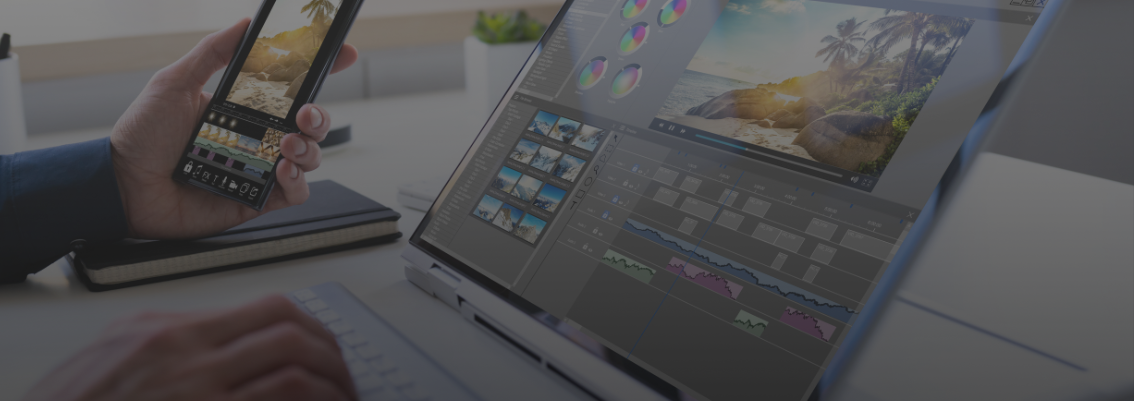
As a creative freelancer, choosing the right tools is key to productivity. Whether it's saving time, producing the best quality, or managing subscription costs, all are important considerations. Two names often mentioned as essential tools are CapCut Pro and Canva Pro. Although both are powerful, their main functions are very different.
If your work relies heavily on video, CapCut Pro is a choice you can't miss. Initially known as a free mobile video editing app, its Pro version now comes with much more advanced features on both mobile and desktop. You'll get access to professional editing features such as layered timelines, keyframes for animation, chroma key for green screens, and stabilizers.
The collection of effects, transitions, and templates in CapCut Pro is specifically designed to make your videos look more cinematic or go viral on social media. It also comes with features like text-to-speech, a voice changer, and thousands of royalty-free music tracks. In short, CapCut Pro is a specialist focused on video processing.
Canva Pro is the answer for anyone who needs a versatile, intuitive, and fast design tool. If CapCut Pro is a video specialist, Canva Pro is a very capable generalist in the field of graphic design.
You'll be spoiled for choice with thousands of ready-to-use templates for social media, presentations, posters, e-books, and much more. With access to millions of premium stock photos, videos, fonts, and graphic elements, you can create designs that look unique and professional. Additionally, the easy team collaboration features make Canva Pro the perfect tool for social media managers or freelancers who often work in teams.
When choosing between CapCut Pro and Canva Pro, consider these core differences:
There is no single answer. The best choice depends on your primary focus.
But what if you need both? This is where the biggest dilemma for freelancers arises: skyrocketing subscription costs. Instead of paying for two full subscriptions, many freelancers are now opting for a legal and safe shared premium subscription solution, which allows them to access both of these tools (and many more) at a much more affordable price.

Google One & Microsoft 365 keep freelancers productive. With Join Bareng, save costs and stay legal.
Read More

Avoid the risks of illegal account sharing. Learn how to get a secure and legal premium subscription with Joinbareng.
Read More
JoinBareng makes premium apps affordable, legal, and secure.
Read More
Join Canva Pro at a lower price legally with Join Bareng. Here’s the complete joiner guide!
Read More
New to freelancing? Here’s a list of premium apps that will make your work smoother, more professional, and budget-friendly.
Read More
Simple & legal way to join CapCut Pro affordably via Join Bareng. Enjoy watermark-free editing features!
Read More
