

Starting your freelance journey? Welcome to a world of flexibility, freedom, and opportunities. As a freelancer, you get to manage your own time, choose your clients, and work from anywhere. But here’s thing many beginners often overlook like the tools and apps you use every day. Free versions may work at first, but their limitations can slow you down and make your work look less professional.
According to DemandSage 2024, there are about 1.57 billion freelancers worldwide, representing 46.7% of the global workforce. In the United States alone, freelancers are expected to reach 76.4 million by the end of 2024, up from 73.3 million the year before. This growing competition means beginner freelancers need the right tools to stay ahead.
Here are 7 premium apps every beginner freelancer should know to work more productively, professionally, and efficiently.
Sooner or later, every freelancer will need design skills—whether it’s creating a standout CV, client presentation, social media content, or YouTube thumbnail. Canva Pro offers thousands of ready-to-use templates, a background remover, and brand kits that make your designs look polished and professional.
Documents, spreadsheets, and presentations are still fundamental for freelancers. While free alternatives exist, Microsoft Office remains the global professional standard. With Microsoft 365, your files stay compatible, clean, and easy to share. Plus, it comes with 1TB of OneDrive cloud storage.
Freelancers generate lots of files, and running out of storage can be stressful. Google One provides safe cloud storage that’s accessible anytime, anywhere, from any device. It’s also handy for automatic phone backups.
Clear communication is critical, especially when working with international clients. Grammarly Premium helps minimize typos, improve tone and vocabulary, and even includes plagiarism checks—ensuring your writing is professional and convincing.
Working solo can feel isolating, and music helps many freelancers stay focused. Spotify or YouTube Premium provides ad-free music, podcasts, and videos. You can even download content for offline use, perfect for long work sessions.
Video content is booming, and many clients expect freelancers to deliver quick edits. CapCut Pro is simple yet powerful, with premium filters, trending effects, and watermark-free exports. Great for both social media and professional content.
Every freelancer hits creative blocks. ChatGPT Plus can help with research, content outlines, copywriting ideas, and brainstorming new concepts. The premium version delivers faster, more stable, and higher-quality results compared to the free version.
Subscribing to all these apps individually can be expensive. But there’s a smarter way. With Join Bareng, you can share premium app subscriptions legally and securely, cutting costs significantly without losing access to premium features.
Instead of stressing about which app to pay for first, start smart with Join Bareng. Work flows smoother, results look professional, and your budget stays intact.
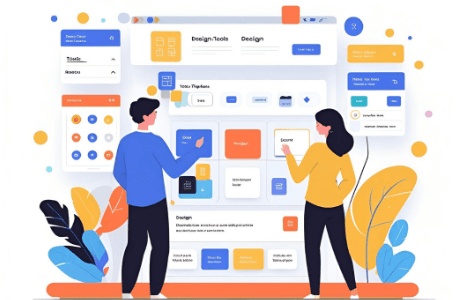
Join Canva Pro at a lower price legally with Join Bareng. Here’s the complete joiner guide!
Read More

Legally join Microsoft 365 Family and save money through Join Bareng. Get Word, Excel, PowerPoint, 1TB OneDrive, and more!
Read More

A complete guide for Joiners to access ChatGPT Plus via Join Bareng—from finding a group to using GPT-4, Web Browsing, plugins, and more.
Read More
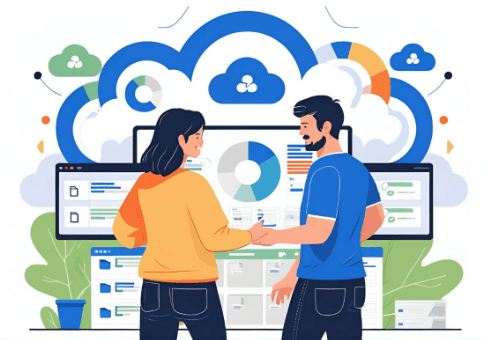
Joining Google One is now easier and cheaper with Join Bareng. Find a matching group and enjoy all Google One benefits without paying full price!
Read More
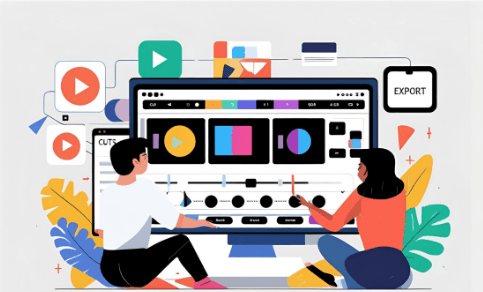
Simple & legal way to join CapCut Pro affordably via Join Bareng. Enjoy watermark-free editing features!
Read More
Complete guide to join Spotify Premium Family via Join Bareng. Access premium features at a much cheaper & legal price!
Read More