

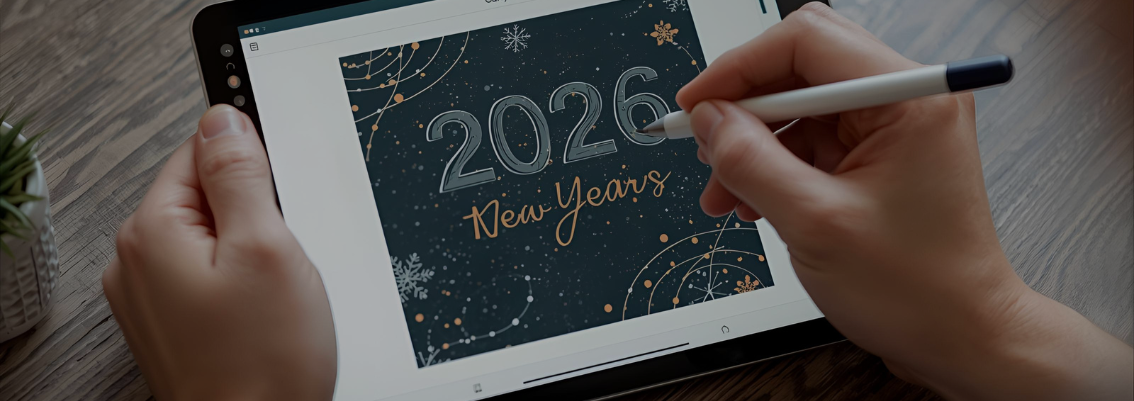
The year 2026 is just around the corner. The tradition of sending physical greeting cards via mail might be rare these days, but that doesn't mean the sentiment is lost. In fact, digital greeting cards we send via WhatsApp or Instagram Stories have become the new way to stay connected with loved ones.
The problem is, we often get stuck using generic free templates. The result? Our greeting card looks exactly the same as the ones sent by five of our other friends. Not very special, right?
Whereas, a personal touch is crucial. A card designed with intention feels much warmer. Fortunately, we don't need to be professional graphic designers to create stunning cards. With Canva Pro, we can transform simple ideas into visual works that are aesthetic and, most importantly, personal. Let's break down how to maximize its premium features so our New Year's greetings this time stand out from the crowd.
The first step is often underestimated. We need to know first, where will this card "live"?
In Canva Pro, if we change our minds halfway through, we can use the Magic Switch (Resize) feature. With one click, our Story design can be automatically resized to a Feed post without getting messy. This is a huge time-saver.
This is a rookie mistake. Canva has thousands of great templates, but the key is modification. In the Pro version, we have access to millions of Premium Elements. Look for fireworks illustrations, "2026" typography, or holiday ornaments marked with a "Crown" (Pro). These elements usually have a much more detailed and artistic design quality compared to free elements. Use these to replace standard elements in the template.
Want to include a family photo or a photo of ourselves in the card? Often, the original background of our photo clashes with the design aesthetic. With the Background Remover feature in Canva Pro, we can remove complex photo backgrounds with just one click. The result is very clean, even around hair strands. Paste our clean photo on top of the aesthetic design background. Voila! The greeting card instantly feels exclusive.
Sometimes the visuals are great, but we get stuck when writing meaningful words. Just "Happy New Year" feels too plain. Use the Magic Write (AI Text Generator) feature in Canva. Simply type a prompt like: "Write a warm, poetic, and hopeful New Year 2026 wish for a best friend." The AI will provide several beautiful sentence options in seconds. We just need to pick one and tweak it a bit.
Some might think, "Can't I just use the free version?" You can, but it's limited. Limited stock photos, locked elements, and the lack of a resize feature often restrict our creativity. With Canva Pro, we have complete freedom. No more annoying watermarks, and we can access premium fonts that make the text look expensive.
The good news is, access to this "creativity warehouse" doesn't have to be expensive. Through JoinBareng, we can share a Canva Pro subscription. We get all the world-class design features at a very friendly price, even cheaper than a bowl of meatballs.
So, this year, don't send mediocre greetings.

DIY sharing via WA groups or Twitter seems easy, but it's full of scam risks and billing drama. Here's why JoinBareng exists as a safer, hassle-free solution for subscription sharing.
Read More
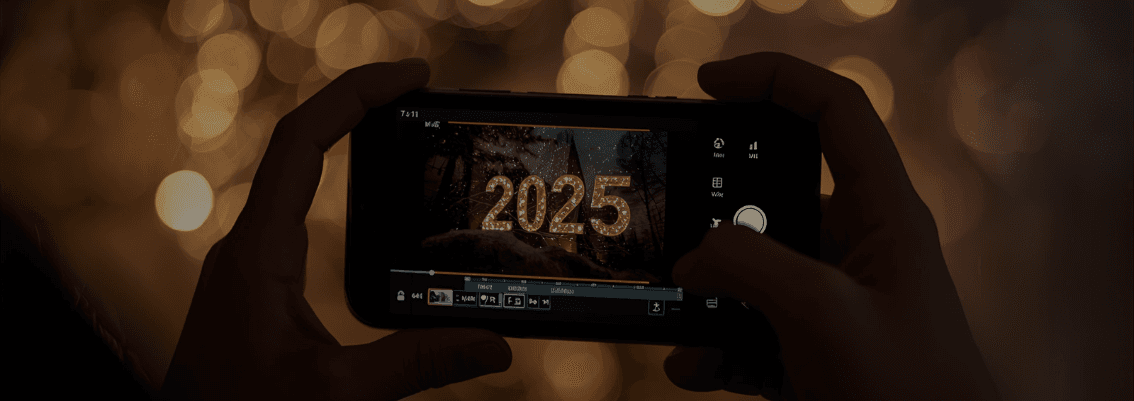
'2025 Recap' season is here! Before editing, find out if CapCut Pro features like Smart Stabilization and AI Effects are must-haves for viral videos.
Read More

Ever opened your monthly billing statement and felt a jolt seeing your total digital subscription costs? Netflix, Spotify, Canva Pro, and Microsoft 365. Individually, they seem affordable. Combined, they can quietly drain your wallet.
Read More
Being a Social Media Manager (SMM) looks fun: creating cool content and watching a brand grow. But behind the scenes, there's one aspect rarely discussed: the operational costs for tool subscriptions.
Read More

Struggling to choose between CapCut Pro and Canva Pro? Our guide will help you decide which tool is right for your freelance work.
Read More
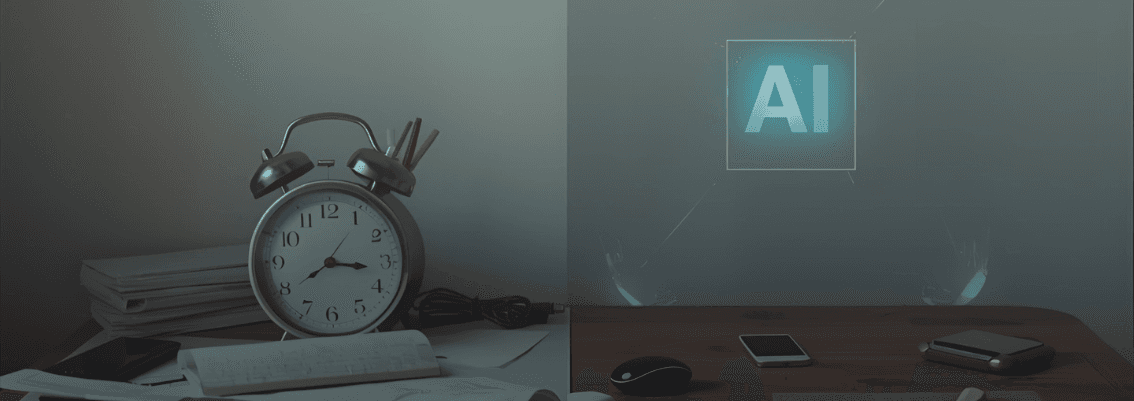
The clock on the wall keeps ticking, the cursor on a blank screen keeps blinking, and a sense of panic starts to creep in. Every freelancer has been in this situation. It's in these critical moments that two AI assistants emerge as lifesavers.
Read More