
In this hyper-visual world, the need for quality graphic design is no longer exclusive to big corporations. From freelancers and content creators to small business owners, everyone needs to create stunning visuals. And in this battlefield, two giants dominate: Adobe Creative Cloud (CC) and Canva Pro.
Adobe is the "industry standard," the long-reigning king used to create Oscar-winning films and global brand logos. On the other hand, Canva Pro is the "rocket-ship disruptor," focusing on speed, ease of use, and collaboration.
The question is no longer "which is better?" The smarter question is: "Which is right for me and my work right now?"
As a platform that helps many professionals access both tools, we see the patterns clearly. Let's break down when to choose each.
Canva Pro is essentially a hyper-advanced, template-based design platform. It's built to make the design process as fast and as easy as possible.
When Should You Choose Canva Pro?
Adobe Creative Cloud (CC) isn't one app; it's a suite of heavyweight software. It is the blank canvas. The most famous are Photoshop (photo editing), Illustrator (vectors/logos), and Premiere Pro (video editing).
When Should You Choose Adobe Creative Cloud?
The truth is, in the modern professional workflow, many of the best freelancers and agencies use both.
They will use Adobe Illustrator to design the original logo and brand assets. Then, they will upload those assets into Canva Pro and create a Brand Kit. From there, the social media team can quickly create dozens of daily content pieces without breaking the brand identity that was so carefully crafted.
So, ask yourself:
In the past, you might have had to choose one due to the high cost. But in the age of subscription sharing, that's no longer a barrier. You can have both in your toolbox.

Google One & Microsoft 365 keep freelancers productive. With Join Bareng, save costs and stay legal.
Read More

Avoid the risks of illegal account sharing. Learn how to get a secure and legal premium subscription with Joinbareng.
Read More

DIY sharing via WA groups or Twitter seems easy, but it's full of scam risks and billing drama. Here's why JoinBareng exists as a safer, hassle-free solution for subscription sharing.
Read More
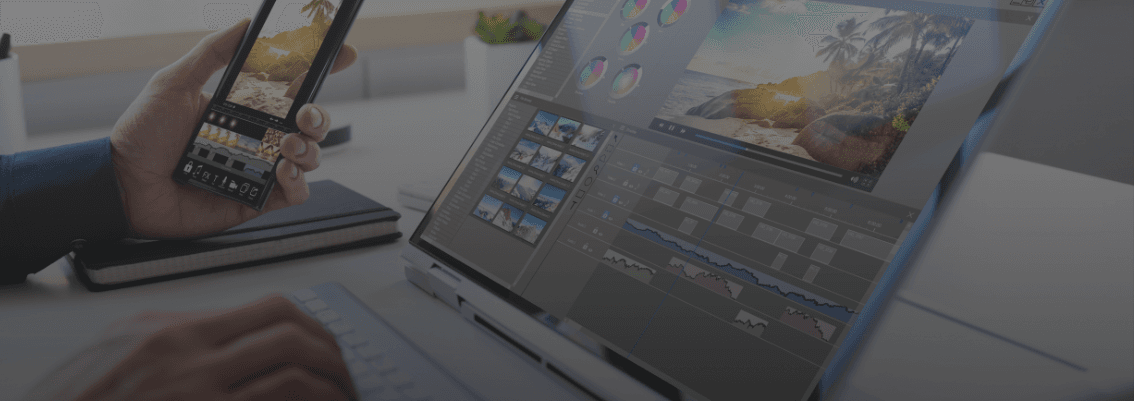
Struggling to choose between CapCut Pro and Canva Pro? Our guide will help you decide which tool is right for your freelance work.
Read More
New to freelancing? Here’s a list of premium apps that will make your work smoother, more professional, and budget-friendly.
Read More
In the competitive world of freelancing, skills alone sometimes aren't enough. Clients don't just buy your services; they buy your credibility. The question is, how can a beginner freelancer—who may not be a designer—appear professional and convincing from the very start?
Read More
