

What is Microsoft Software?
When we talk about Microsoft software, we're talking about the essential tools powering millions of computers and workplaces across Indonesia. From Microsoft Office (Word, Excel, PowerPoint) to Windows operating systems and productivity suites like Microsoft 365, these are the building blocks for students drafting assignments, professionals crunching spreadsheets, and gamers who need a stable OS.
In Indonesia, access to legitimate Microsoft software at fair prices has always been a challenge. Official retail prices can be steep, and the gray market is full of cheap keys that may be revoked or illegal. That's where JoinBareng steps in — connecting you with verified sellers who offer genuine Microsoft licenses at competitive prices, all under escrow protection so you only pay when everything works.
Microsoft Software Price List on JoinBareng (October 2026)
Pricing for Microsoft software on JoinBareng varies depending on the product type, edition, and seller. Since sellers compete openly, you'll find a range of offers for each item. Below is a snapshot of common categories and their typical price ranges in Indonesian Rupiah. Remember, actual prices on the page are live and updated by sellers.
| Tier / Package | Price | Action |
|---|---|---|
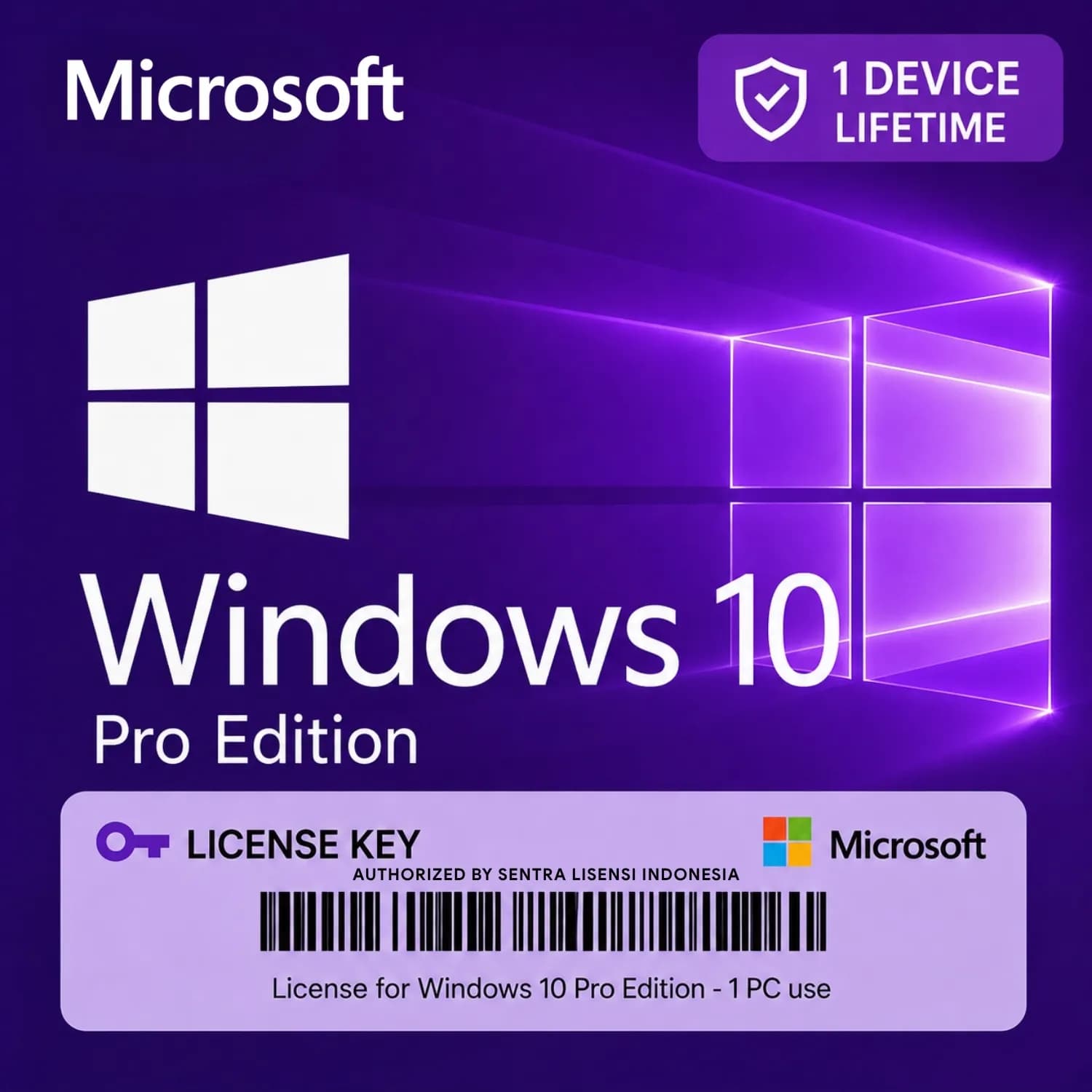
License Key Windows 10 Pro RetailCheapest | Rp49.900 | Buy → |
Prices can shift based on license type — retail keys tend to be more expensive than OEM keys, while subscription-based Microsoft 365 plans differ from one-time purchases. Always compare listings and check seller credibility before buying.
How to Choose the Right Microsoft Software
Picking the right Microsoft product depends on what you need it for. Here's a quick guide:
- Microsoft Office 2021 / 2019: One-time purchase, ideal if you hate subscriptions. Choose Home & Student for basic use, or Professional for advanced features like Outlook and Access.
- Microsoft 365 (formerly Office 365): Subscription model that includes cloud storage, regular updates, and often multiple devices. Great for families or small teams.
- Windows 10 / 11: Available in Home (for personal use) or Pro (for business features like BitLocker and Remote Desktop). If you're a gamer, Windows Home usually suffices.
- Project or Visio: Niche tools for project management and diagramming, mostly used in corporate environments.
If you're unsure, check the seller's listing details — they usually specify which languages are supported, whether the key is digital download or physical box, and any activation requirements.
How to Buy Microsoft Software on JoinBareng — 4 Easy Steps
- Pick a listing — Browse the Microsoft category, compare prices and seller ratings. Click into a product that matches your needs.
- Pay via escrow — Choose your payment method (QRIS, bank transfer, e-wallet) and complete the transaction. Your funds are held safely by JoinBareng until you confirm delivery.
- Confirm delivery — The seller will send you the license key or download link. Once you've activated the software successfully, go to your order page and click "Confirm Delivery". This releases payment to the seller.
- Leave a review — Share your experience to help other buyers. Honest reviews build trust in the community.
Payment Methods
JoinBareng supports a wide range of payment options tailored to Indonesian users: QRIS (all apps), bank transfer (BCA, Mandiri, BRI, BNI, and others), e-wallet (GoPay, OVO, Dana, ShopeePay), virtual account, and JoinBareng balance. All transactions are in Rupiah, so no foreign exchange surprises.
Why Buy Microsoft Software on JoinBareng?
- Full escrow protection — Your money stays safe until you receive and verify the software.
- KYC-verified sellers — Every seller undergoes identity verification, reducing the risk of scams.
- Transparent pricing — Multiple sellers compete, so you see the market rate instantly.
- Refund guarantee — If a seller fails to deliver a working license, you can request a refund through dispute mediation.
- Dispute mediation — Our team steps in if something goes wrong, ensuring fair resolution.
- No hidden fees — The price you see is the price you pay in Rupiah.
- Convenience — Buy from home, no need to hunt for physical stores or deal with shady CD-key websites.
About JoinBareng
JoinBareng is Indonesia's hybrid marketplace for digital goods. We connect buyers with verified sellers for game top-ups, accounts, streaming subscriptions, and software licenses like Microsoft products. Unlike traditional e-commerce, our escrow system holds payment until you confirm the item works — giving you peace of mind even when dealing with small independent sellers.
We started as a community-focused platform, growing into a trusted hub where thousands of transactions happen monthly. Our position is simple: offer a safer alternative to forumpals or social media groups, where fraud is common. On JoinBareng, every seller is vetted, every dispute is handled, and every buyer is protected.
Tips & Common Pitfalls When Buying Microsoft Software
- Chat the seller first — If you're unsure about compatibility (e.g., 32-bit vs 64-bit, language edition), send a quick message. Most sellers respond within minutes.
- Verify the license type — Retail keys can be transferred to new hardware; OEM keys are tied to the motherboard. Make sure you're buying what you need.
- Check reviews & ratings — A seller with dozens of positive reviews is safer than a brand-new account with cheap prices.
- Never pay off-platform — If a seller asks you to pay via direct transfer outside JoinBareng, report them immediately. You lose escrow protection.
- Screenshot everything — Keep a copy of the order page, chat, and activation steps. This helps in case of a dispute.
- Allow normal escrow delay — Sellers deliver keys manually, usually within minutes to a few hours. If a seller is silent, use the built-in chat to follow up.
Common Mistakes to Avoid
- Assuming all keys work worldwide — Some keys are region-locked (e.g., India-only). Always check the listing for region compatibility.
- Installing without uninstalling old version — If you already have an older Office, uninstall it first to avoid activation conflicts.
- Buying the wrong edition — Windows 11 Pro costs more than Home. Don't pay extra for features you won't use.
- Ignoring subscription terms — Microsoft 365 requires renewal. A yearly subscription may auto-renew; check the seller's policy.
- Skipping the seller chat — A quick conversation can prevent misunderstandings about delivery time or license usage.











