

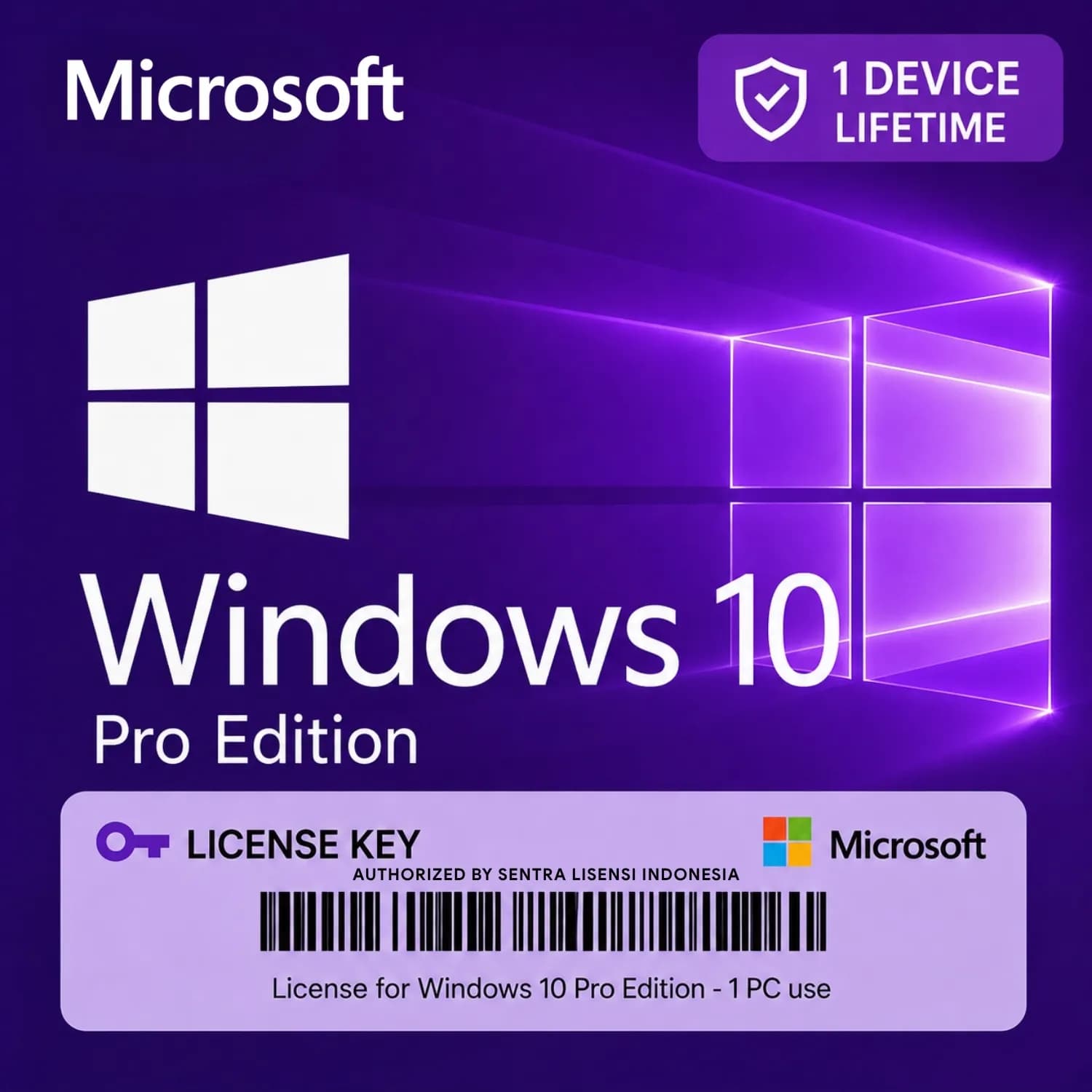
What is a Microsoft Product Key?
A Microsoft product key is a unique alphanumeric code that activates genuine Microsoft software, such as Windows operating systems (Windows 10, Windows 11) or Microsoft Office suites (Office 2019, Office 2021, Microsoft 365). If you've ever bought a new laptop or built a PC, you know the dreaded "Activate Windows" watermark. That's exactly what a product key removes—unlocking the full functionality of your software.
In Indonesia, buying a legitimate product key from official channels can sometimes feel expensive, especially when you're on a budget. That's why many savvy buyers turn to marketplace platforms like JoinBareng, where multiple verified sellers compete on price. Whether you're a student setting up a new laptop, a gamer building a rig, or a small business needing Office for documents, a product key is the most affordable way to get genuine Microsoft software without paying full retail.
Product keys are sold as digital codes—no physical box, no disc. You'll receive the key via the platform's chat or order notes after purchase. Because it's a digital good, delivery is usually fast, but remember that on JoinBareng, the transaction is protected by escrow: your money is held until you confirm the key works.
Microsoft Product Key Price List on JoinBareng (October 2026)
Pricing on JoinBareng varies from seller to seller, depending on the product edition, whether it's a retail or OEM key, and current market demand. Below is a snapshot of typical price ranges. Remember: prices update in real-time on each listing page.
| Tier / Package | Price | Action |
|---|---|---|
License Key Windows 10 Pro RetailCheapest | Rp49.900 | Buy → |
Prices shown are in Indonesian Rupiah (IDR) and reflect what sellers offer right now. Unlike official Microsoft Store prices, marketplace prices can shift based on supply and seller promotions. Always compare a few listings before deciding. Also note that OEM keys (tied to one device) tend to be cheaper than retail keys (transferable to a new PC). Our price table above is updated regularly, but for the exact current price, click into any listing.
How to Choose the Right Microsoft Product Key
Not all product keys are the same. Here's what to consider:
- Edition: Windows comes in Home, Pro, Pro for Workstations, etc. Office comes in Home & Student, Home & Business, Professional. Pick the one that matches your needs. Home is fine for most, Pro adds features like Remote Desktop and BitLocker.
- Retail vs. OEM: Retail keys can be transferred to another PC later. OEM keys are locked to the first motherboard they're activated on. If you might upgrade your PC, choose retail. If you want the cheapest option and plan to keep the machine, OEM is fine.
- Version: For Windows, decide between Windows 10 and Windows 11. Keys often work for both, but double-check. For Office, choose a specific year (2019, 2021) or a Microsoft 365 subscription (ongoing payment included).
- Seller Reputation: Read reviews and ratings. A seller with many positive transactions and a high response rate is safer. On JoinBareng, all sellers are KYC-verified, so you're less likely to run into fraudsters.
If you're unsure, start with the most common option: Windows 11 Pro or Office 2021 Professional Plus. Those cover almost all features a typical Indonesian user would need.
How to Buy a Microsoft Product Key on JoinBareng — 4 Easy Steps
- Pick a listing — Browse the product key category. Use filters to narrow by edition (Windows, Office) and seller rating. Click into a listing to see details, price, and seller info.
- Pay via escrow — Once you choose, proceed to checkout. You'll pay using one of our supported methods (see below). Your payment is held safely in escrow, not released to the seller until you confirm the key is valid.
- Confirm delivery — After payment, the seller will send you the product key via chat or in the order notes. Enter the key into your Microsoft software. If it activates successfully, go to your order page and click "Confirm" to release funds to the seller.
- Leave a review — Help other buyers by rating the seller. Mention if the key worked and how fast delivery was. Your feedback keeps the marketplace trustworthy.
Payment Methods
JoinBareng supports almost every popular payment method in Indonesia. You can pay using:
- QRIS — Scan QR code from any e-wallet or mobile banking app.
- Bank Transfer — BCA, Mandiri, BRI, BNI, CIMB Niaga, and more.
- E-Wallet — GoPay, OVO, Dana, ShopeePay, LinkAja.
- Virtual Account — Generate a unique account number from your preferred bank.
- JoinBareng Balance — Top up your wallet and use it for faster checkout.
All payments are processed securely. No hidden fees; the price you see in the listing is the price you pay.
Why Buy a Microsoft Product Key on JoinBareng?
- Full escrow protection — Your money is safe until you confirm the key works. No risk of paying and getting nothing.
- KYC-verified sellers — Every seller has passed identity verification. This dramatically reduces the chance of scams common on other platforms.
- Transparent pricing — Multiple sellers compete, so you can compare prices openly. No surprise markups.
- Refund guarantee — If the key doesn't work or the seller fails to deliver, you can open a dispute. JoinBareng will mediate and, if you're in the right, refund your money.
- Rupiah pricing — No foreign exchange fees or confusing USD prices. You pay in IDR exactly as listed.
- Dispute mediation — Our support team steps in when there's a conflict. They review chat logs and evidence to make a fair decision.
About JoinBareng
JoinBareng is an Indonesian marketplace that started as a platform for gamers buying and selling digital goods. Over time, it expanded to cover all kinds of digital products, including software keys. What sets us apart is our hybrid model: buyers transact directly with sellers, but every transaction is protected by escrow. We don't just host listings; we actively ensure safety through seller KYC, rating systems, and dedicated dispute mediation.
Unlike general e-commerce that leaves digital goods unchecked, JoinBareng focuses on trust. When you buy a product key here, you're not just getting a code—you're getting peace of mind that if something goes wrong, there's a real team ready to help. We also price in Rupiah, so no currency surprises. Our goal is to make buying software as easy and secure as buying a game top-up.
Tips & Common Pitfalls When Buying Microsoft Product Keys
- Chat the seller first — Before paying, send a quick message to confirm stock and the specific version you need (e.g., "Windows 11 Pro, retail, for one device"). Sellers appreciate clarity.
- Verify the edition matches — A key for Windows 10 Home won't activate Windows 11 Pro. Double-check your current software edition. You can see your Windows edition by going to Settings > System > About.
- Check reviews and ratings — Avoid sellers with very few transactions or recent negative feedback. Stick to established ones.
- Never pay off-platform — Some sellers might ask you to transfer directly to their bank account. Don't. You lose escrow protection and refund ability.
- Screenshot the order and key — If the key doesn't work, you'll have proof. Keep screenshots of the chat and activation error.
- Allow normal escrow delay — After you confirm, the seller gets paid. If you don't confirm within a few days, the system may auto-confirm. But you can always extend if needed.
- Activate immediately — Don't wait. Activate your software as soon as you receive the key. If there's an issue, you can report it quickly.
Common Mistakes to Avoid
- Buying the wrong version — The most common mistake. A Windows 7 key won't activate Windows 10. Always check the product compatibility.
- Ignoring OEM vs. Retail — If you buy an OEM key but later change your motherboard, the key may stop working. Understand the difference.
- Falling for "unlimited" or "volume licensing" keys — These keys are meant for businesses and can be deactivated by Microsoft. Stick to standard retail or OEM keys.
- Not checking system requirements — For Office, make sure your PC meets the system requirements (e.g., Office 2021 needs Windows 10 or later).
- Waiting too long to activate — Some keys have an expiration window. Activate within a reasonable time after purchase.
By avoiding these mistakes, you'll have a smooth experience and enjoy genuine Microsoft software at a fraction of the official price.











